The short answer
Bitwarden is safe for the same reasons any serious password manager is safe, plus two that most competitors lack. The encryption is end-to-end: your vault is encrypted and decrypted only on your devices, using a key derived from a master password that is never sent anywhere. Outside auditors have examined the design and code every year since 2018, and Bitwarden holds SOC 2 Type 2, ISO 27001 and HIPAA attestations. Unlike most rivals, the client and server code is open source under GPL-3.0 and AGPL-3.0, so anyone can verify that the published design is what ships. As of the verification date on this page there has been no known breach of Bitwarden user vaults.
None of that removes the risks on your side of the screen, which the later sections cover.
How the encryption works, in plain language
- Your master password never leaves your device. The app runs it through a key derivation function: PBKDF2-SHA256 with 600,000 iterations by default, or Argon2id if you choose it in Settings, Security, Keys. These functions are deliberately slow, so guessing billions of passwords offline takes years rather than hours.
- The result is your master key. From it the app derives a further stretched hash that is sent to the server to prove who you are, and the key that unlocks your account encryption key.
- Your vault is encrypted with AES-256-CBC. Every field, including site name, URL, username and notes, is encrypted with a 512-bit account key: 256 bits for AES and 256 bits for an HMAC-SHA256 tag that detects tampering before anything is decrypted.
- The server stores ciphertext. Sync, backups and the web vault database hold encrypted blobs. Bitwarden’s staff, a hosting provider or an attacker who copied the database would see random-looking data and one salted, stretched authentication hash per account.
- Sharing uses public-key cryptography. Organisation collections are encrypted with a key that is in turn encrypted to each member’s RSA-2048 public key, so the server never sees plain text.
The full specification is in Bitwarden’s security whitepaper.
| Layer | Algorithm | Where it runs |
|---|---|---|
| Key derivation | PBKDF2-SHA256 (600,000 iterations) or Argon2id | Your device |
| Vault encryption | AES-256-CBC with HMAC-SHA256 | Your device |
| Authentication hash | PBKDF2-SHA256, further stretched server-side | Device, then server |
| Sharing | RSA-2048 wrapped organisation keys | Your device |
| Transport | TLS | Between device and server |
What zero-knowledge means for you
“Zero-knowledge” is shorthand for the model above: the service holds your data but cannot read it. It has two consequences to plan around.
First, Bitwarden cannot reset your master password. Nothing on the server can decrypt your vault, so a support ticket cannot help. Keep the master password on paper in a safe place. If you forget it and have no other way in, the vault is gone.
Second, the ways back in must be set up in advance. Premium accounts can name a trusted person for Emergency access, who receives the vault after a waiting period you choose. Organisations can enable Account recovery so an administrator can reset a member’s master password. Biometric and PIN unlock hold a copy of the key on the device; they do not weaken the server-side model but they depend on the device being secure.
The audit record
Bitwarden has commissioned third-party security assessments every year since 2018 and publishes the reports. Firms including Cure53 and Insight Risk Consulting have tested the web vault, browser extensions, desktop and mobile apps, server, CLI and the cryptographic design; findings and their remediation are listed on the is Bitwarden audited help page. Bitwarden also maintains SOC 2 Type 2 and ISO 27001 certifications and is HIPAA compliant, which matters if you store medical or client data. An audit report tells you more than any marketing claim: look at the severity of what was found and how fast it was fixed.
Open source and the bug bounty
Every Bitwarden client is published at github.com/bitwarden/clients, the server at github.com/bitwarden/server, and the mobile apps in their own repositories. This is a safety property, not just a licensing choice: anyone can read how the key derivation is implemented rather than trusting a diagram, and downstream projects such as Vaultwarden reimplement the API and would notice undocumented behaviour. Our notes on the repositories, licences and verifying a download are on the GitHub page.
Bitwarden also runs a public bug bounty on HackerOne. Researchers report flaws privately, Bitwarden fixes them, and the researcher is paid and credited. Fixes ship in the regular release cycle described on the releases page.
Incidents and known issues, honestly
There is no known incident in which Bitwarden user vaults were stolen or decrypted. The issues that have made news are research findings about specific client behaviours.
- Autofill in embedded frames (2023). Researchers reported that the extension’s optional autofill-on-page-load could fill credentials into a login form inside an iframe from a different domain than the page, which a malicious page could abuse. Bitwarden responded that the setting is off by default, added a warning to the setting and adjusted how URIs in frames are matched. Leave autofill on page load off unless you understand the trade-off.
- PIN unlock strength (2024). Researchers and users pointed out that a short numeric PIN used for local unlock protects the cached key far less than the master password, so someone with a copy of the device’s data could try every PIN quickly. Bitwarden documents this limitation and recommends biometrics or a longer PIN.
- Routine findings. Each annual audit and the bounty programme surface lower-severity bugs, listed with their fixes in the published reports.
If a future incident does happen, the encryption model means the immediate exposure is metadata such as email addresses, not vault contents, provided your master password is strong.
What could still go wrong
The weak parts are people and devices, not the cryptography.
- A weak master password. Everything depends on it. A short or reused master password can be guessed offline if an attacker ever gets the ciphertext. Four or more random words is the minimum.
- Malware on your device. A keylogger or infostealer can capture the master password as you type it or read the vault while it is unlocked. No password manager survives a compromised device.
- Phishing. A fake page that looks like the web vault will accept your master password. The extension only autofills on the real domain; if it refuses to fill, stop and check the address bar.
- Fake downloads. Search ads have pointed to lookalike sites bundling malware. Install only from bitwarden.com, the official GitHub releases, the app stores or the commands on our home page, and follow the download safety checklist.
- Losing the master password with no recovery set up. See the zero-knowledge section above.
Checklist: make your vault safer
- Use a master password of four or more random words, stored on paper somewhere safe.
- Turn on Two-step login in Settings, Security with an authenticator app (free) or a hardware key such as a YubiKey (Premium).
- Switch the KDF to Argon2id in Settings, Security, Keys, or confirm PBKDF2 is at 600,000 iterations if your account is old.
- Set a Vault timeout on every client with the action set to Lock.
- Use an email alias or a dedicated address for your Bitwarden account so a leaked email list does not point at your vault.
- Keep the apps and the browser extension up to date.
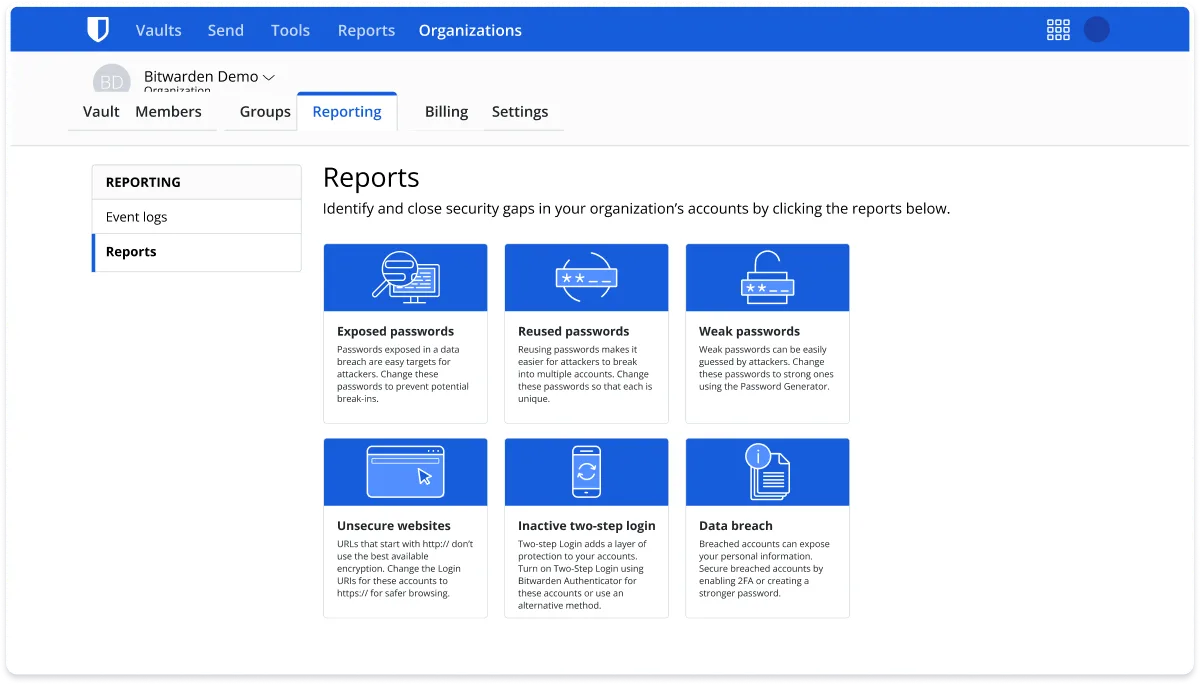
- On Premium, run the Reports for exposed, reused and weak passwords monthly.
- If you want no cloud at all, self-host with the official server or Vaultwarden and own the backups.
Bitwarden compared with passwords saved in the browser
Chrome, Edge and Safari also encrypt saved passwords, but the key is tied to your operating system login or your Google or Apple account, which the vendor can recover, so the vendor holds a way in. They also lock you to one browser family and publish no audited, open-source client. Bitwarden gives you a vault for every browser and device, a key derived from a master password only you know, published audits and code, and an export you can take anywhere. The trade-off is that you are responsible for that master password. The detailed comparison is in Bitwarden vs Google Password Manager; the import from Chrome and Edge guide takes about five minutes.
Frequently asked questions
Has Bitwarden ever been hacked?
No breach of Bitwarden's servers or of user vaults has been reported as of this page's verification date. Security researchers have reported individual bugs through the HackerOne bounty programme, such as autofill behaviour in embedded frames in 2023, and Bitwarden shipped fixes or setting changes in regular releases.
Can Bitwarden see my passwords?
No. Encryption and decryption happen on your device. The master password never leaves it, and the server stores only encrypted blobs it cannot read. That is also why Bitwarden cannot reset a forgotten master password: there is nothing on its side that could unlock the vault.
Is Bitwarden safer than LastPass?
Bitwarden encrypts every field including URLs, uses 600,000 PBKDF2 iterations or Argon2id by default, publishes its source code and audit reports, and has had no vault theft. LastPass stored URLs in plain text and lost encrypted vault backups in 2022. See the detailed comparison.
Is the free version of Bitwarden safe?
Yes. The free plan uses the same clients, the same encryption and the same servers as Premium. Paying adds features such as hardware-key two-step login, the built-in authenticator, emergency access and vault health reports, not stronger cryptography.
What happens to my passwords if Bitwarden shuts down?
You can export your vault at any time as JSON or CSV, or as an encrypted JSON you can re-import later. The clients cache the vault locally so it keeps working offline. Because the server is open source, you or a community project like Vaultwarden could keep hosting it yourself.
Is it safe to store two-factor codes in the same vault as passwords?
It is a trade-off. Keeping TOTP secrets in Bitwarden means one compromised master password exposes both factors, but it is still far safer than not using two-factor at all. For your most important accounts use a hardware key or a separate authenticator app, and protect the vault itself with two-step login.