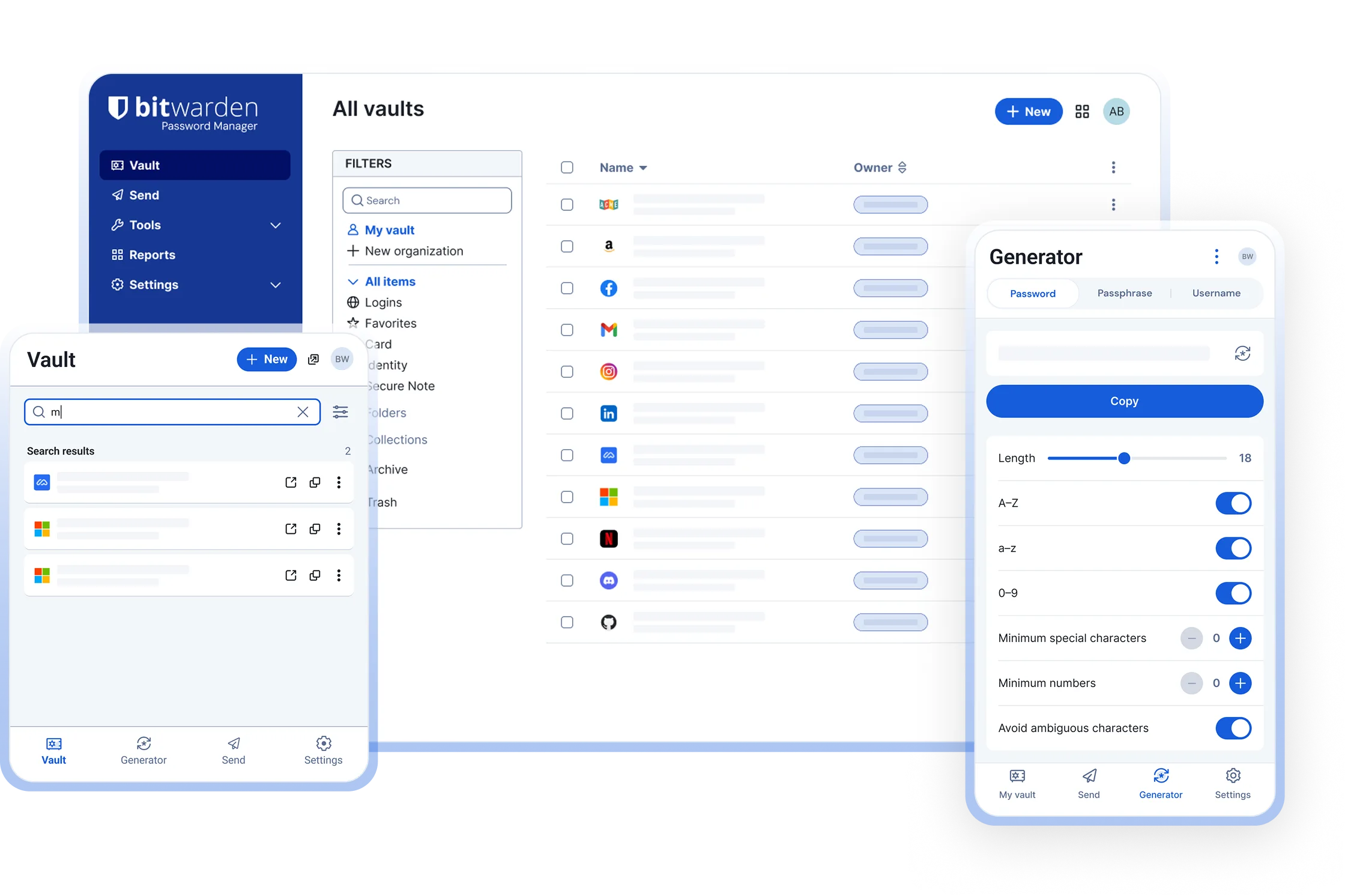
Bitwarden vs LastPass at a glance
LastPass, founded in 2008, was for years the default recommendation for a cloud password manager and still has a large user base, mature browser autofill and a wide set of account recovery options. Bitwarden, founded in 2016, took the same hosted model, opened the source code, kept the free plan unrestricted and priced Premium at about US$10 per year.
Two things changed the comparison. In March 2021 LastPass limited its free plan to one device type, so free users choose between computers and phones. In 2022 LastPass suffered two linked security incidents that ended with copies of customer vault backups in an attacker’s possession. Bitwarden has had no comparable incident. LastPass is closed source; Bitwarden’s clients and server are on GitHub under the GPL-3.0 and AGPL-3.0 licences.
Comparison table
| Feature | Bitwarden | LastPass |
|---|---|---|
| Price | Free plan; Premium about US$10 per year; Families about US$40 per year for six | Free plan limited to one device type; Premium roughly US$36 per year; Families roughly US$48 per year for six. Check the vendor’s pricing page |
| Free plan devices | Unlimited devices, all types, with sync | Computers or mobile devices, not both |
| Open source | Yes, clients GPL-3.0 and server AGPL-3.0 | No |
| Encryption model | Zero-knowledge; AES-256-CBC vault; PBKDF2-SHA256 at 600,000 iterations or Argon2id; URLs encrypted | Zero-knowledge for vault fields; AES-256; PBKDF2-SHA256 at 600,000 iterations by default since 2023; URL encryption added after 2022 |
| Security incidents | None involving customer vault data | August and November 2022: source code, then encrypted vault backups and unencrypted metadata copied |
| Apps | Windows, macOS, Linux, iOS, Android, web vault, CLI | Windows and macOS apps, iOS, Android, web vault; no Linux desktop app |
| Browser extensions | Chrome, Firefox, Edge, Safari, Brave, Opera, Vivaldi, DuckDuckGo, Tor Browser | Chrome, Firefox, Edge, Safari, Opera |
| Passkeys | Save and use passkeys in extension and mobile apps | Passkey support added in recent releases |
| TOTP authenticator | Built in on Premium; free Bitwarden Authenticator app | Separate LastPass Authenticator app; codes storable in vault |
| Account recovery | No vendor reset; emergency access (Premium); admin reset in organisations | Mobile account recovery, SMS recovery, one-time passwords, recovery from a trusted device |
| Self-hosting | Yes, official server or Vaultwarden | No |
| Independent audits | Annual third-party audits published; SOC 2 Type 2, ISO 27001, HIPAA | SOC 2 Type 2, ISO 27001; post-incident reviews published |
What happened with LastPass’s security incidents
The facts, as LastPass itself disclosed them:
- August 2022. An attacker compromised a developer’s account and copied source code and technical documentation from the development environment. LastPass said no customer data was accessed.
- November 2022. Using information from the first incident, the attacker gained access to a third-party cloud storage service LastPass used for backups and copied customer vault backups. Encrypted fields (usernames, passwords, secure notes, form data) were protected by each customer’s master password. Unencrypted fields, including website URLs, were readable, as was account metadata such as names, email addresses, billing addresses, phone numbers and IP addresses.
- March 2023. LastPass explained that the second intrusion used a senior engineer’s home computer, compromised through a vulnerable third-party media package, to obtain credentials for the backup storage.
- Iteration counts. Accounts created before 2018 could still be using very low PBKDF2 iteration counts unless the user had changed them, which makes brute-forcing a weak master password faster. The default is now 600,000.
- Later reports. From 2023 onwards, security researchers linked a series of cryptocurrency thefts, totalling tens of millions of dollars, to seed phrases they believe were stored in stolen LastPass vaults. LastPass has said it cannot confirm the connection.
LastPass has since rotated credentials, rebuilt development infrastructure, added URL encryption and spun out of GoTo (formerly LogMeIn, which bought LastPass in 2015) to become an independent company, a separation announced in December 2021 and completed later.
What LastPass still does well
It would be unfair to pretend LastPass has nothing going for it.
- Autofill maturity. Fifteen years of tuning against awkward login forms shows. Form filling for addresses and cards is thorough.
- Account recovery. If you forget your master password, LastPass offers more paths back in than most: biometric recovery on mobile, SMS recovery, one-time recovery passwords and recovery from a device that is still logged in. Bitwarden has no vendor-side reset by design, only emergency access contacts on Premium or admin reset in an organisation.
- Enterprise features. Federated login with Microsoft Entra ID, Okta and Google Workspace, an admin console with policies and reporting, and a long list of integrations. Bitwarden Enterprise has SSO, SCIM and policies too, but LastPass has more years in large deployments.
Why people switch to Bitwarden
- Trust after 2022. Many users decided that a vendor holding their vault backups should not have lost them, whatever the encryption. Bitwarden’s open code and published audits make its claims checkable.
- The free plan. Bitwarden free syncs between a laptop, a phone and a tablet with no restriction. LastPass free forces a choice of device type.
- Price. Premium at about US$10 per year against roughly US$36.
- Open source and self-hosting. Anyone can read the code, and anyone can run the server with the official Docker images or Vaultwarden.
- Linux and the CLI. Bitwarden has a native Linux desktop app and a scriptable CLI; LastPass has neither on the desktop, only the extension and a legacy CLI.
- More browsers. Brave, Vivaldi, DuckDuckGo and Tor Browser have first-party Bitwarden extensions.
The two products’ current designs are closer than the headlines suggest; both encrypt on the device with a key derived from your master password. The difference is the record and the transparency. See Is Bitwarden safe and Bitwarden vs Google Password Manager for context.
Switching from LastPass to Bitwarden
- Install Bitwarden with the one-line command for your operating system on the home page and create a free account. Choose a long master password, four or more random words.
- In the LastPass web vault (or extension menu) choose Advanced Options, Export. Confirm the email verification if asked, re-enter your master password, and save the CSV file. If the browser shows the CSV as text, copy it into a plain text file with a
.csvname. - Open the Bitwarden web vault, choose Tools, Import data, set the format to LastPass (csv), select the file and click Import data. Folders become Bitwarden folders and secure notes import as notes.
- Alternatively, the Bitwarden desktop app can import directly from LastPass by logging into your LastPass account, which skips the CSV.
- Install the Bitwarden browser extension and remove the LastPass extension so only one tool offers to save and fill.
- Delete the CSV and empty the Recycle Bin or Trash. The export is plain text.
Full detail, including form fills and attachments, is in the LastPass import guide.
What to do after leaving LastPass
Moving the data is the easy part. The 2022 backups are still out there, so treat everything that was in the vault at that time as potentially exposed to an offline cracking attempt.
- Rotate passwords in priority order. Email accounts first, because they reset everything else. Then banking, payment services, cryptocurrency wallets and exchanges, cloud storage, social media, and finally the rest. Let Bitwarden’s generator produce each new password.
- Move cryptocurrency. If a seed phrase or private key was ever in a LastPass note, create a new wallet and transfer the funds. Changing the password on the exchange is not enough.
- Enable two-factor authentication on every account that offers it. Bitwarden Premium can hold the TOTP codes, or use the free Bitwarden Authenticator app or a hardware key.
- Expect targeted phishing. The unencrypted URLs tell an attacker which banks, brokers and services you use. Be suspicious of emails that name them.
- Delete the LastPass account from Account Settings once you have confirmed everything is in Bitwarden, and run Bitwarden’s vault health reports (Premium) to catch reused or weak passwords that survived the move.
Frequently asked questions
Is LastPass safe to use after the 2022 breach?
LastPass has rebuilt much of its infrastructure, raised default PBKDF2 iterations to 600,000 and now encrypts URLs. The vault data copied in 2022 remains in the attacker's hands, so anything stored then should be treated as exposed and rotated. Whether to stay is a judgement about trust; the current product is not known to be insecure.
Is Bitwarden better than LastPass?
For most people, yes. Bitwarden is open source, audited annually, has a free plan without device-type limits and costs about US$10 per year for Premium. LastPass has a more polished autofill history and more recovery options, but is closed source and roughly US$36 per year. See Is Bitwarden safe for the security detail.
How do I move my passwords from LastPass to Bitwarden?
In the LastPass web vault choose Advanced Options, Export, and save the CSV. In the Bitwarden web vault choose Tools, Import data, format LastPass (csv), and select the file. Then delete the CSV. The LastPass import guide covers folders, notes and the direct import option in the desktop app.
Does LastPass still have a free plan?
Yes, but since March 2021 the free plan is limited to one device type: computers or mobile devices, not both. Bitwarden's free plan syncs across unlimited devices of every type. LastPass Premium, roughly US$36 per year, removes the limit; check the vendor's pricing page.
What should I change after leaving LastPass?
Change every password that was in your LastPass vault in 2022, starting with email, banking, cryptocurrency and any account that can reset others. Enable two-factor authentication where it is offered, watch for phishing that names sites you used, and delete the LastPass account once the export is verified.