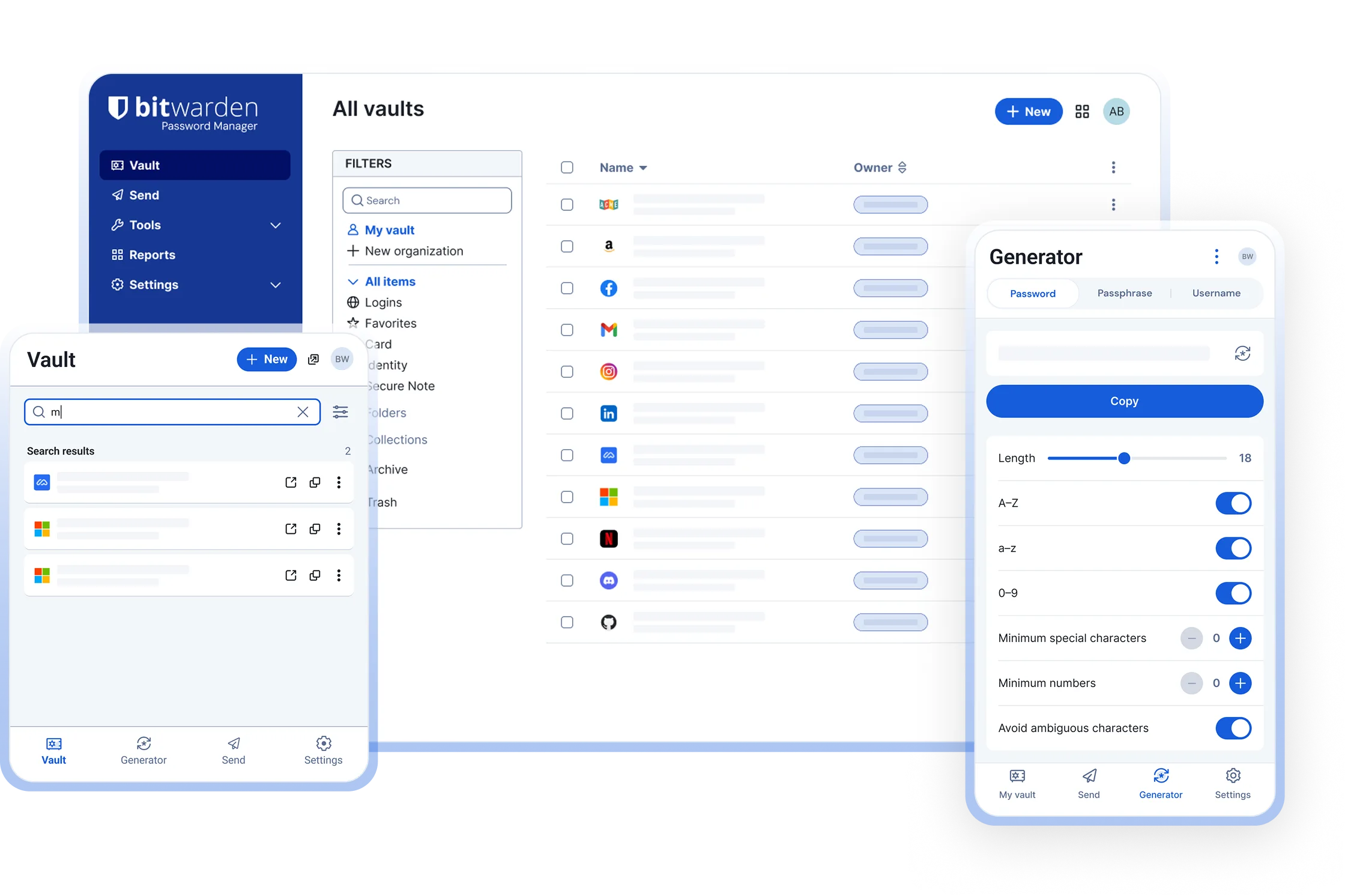
Bitwarden vs 1Password at a glance
Both are mature, zero-knowledge password managers that run on Windows, macOS, Linux, iOS and Android, fill logins in every major browser and support passkeys. The differences are in business model and philosophy. Bitwarden publishes all of its client and server code under the GPL-3.0 and AGPL-3.0 licences, offers a free plan with unlimited passwords and devices, and charges about US$10 per year for Premium. 1Password is closed source, has no free plan and costs roughly US$36 per year for one person, but spends that money on the most refined interface in the category, Watchtower breach monitoring, Travel Mode and strong family and business tooling.
If you want to pay nothing, host your own server, script the vault from a terminal or read the code you trust with your passwords, choose Bitwarden. If you want the smoothest experience for a family or a company and the price is not a concern, 1Password is a reasonable choice. Neither company has had a breach of customer vault data.
Comparison table
| Feature | Bitwarden | 1Password |
|---|---|---|
| Price | Free plan; Premium about US$10 per year; Families about US$40 per year for six people | No free plan (14-day trial); Individual roughly US$36 per year; Families roughly US$60 per year for five. Check the vendor’s pricing page |
| Open source | Yes, clients GPL-3.0 and server AGPL-3.0 on GitHub | No, closed source with published third-party audits |
| Encryption model | Zero-knowledge; AES-256-CBC vault, key derived from the master password with PBKDF2-SHA256 (600,000 iterations) or Argon2id | Zero-knowledge; AES-256-GCM vault, key derived from the account password combined with a 34-character Secret Key |
| Desktop and mobile apps | Windows, macOS, Linux, iOS, Android, web vault | Windows, macOS, Linux, iOS, Android, web app |
| Browser extensions | Chrome, Firefox, Edge, Safari, Brave, Opera, Vivaldi, DuckDuckGo, Tor Browser | Chrome, Firefox, Edge, Safari, Brave |
| Passkeys | Save and sign in with passkeys in the extension and mobile apps, on the free plan | Save and sign in with passkeys in the extension and mobile apps |
| TOTP authenticator | Built-in codes on Premium; separate free Bitwarden Authenticator app | Built in on every plan |
| Sharing and family | Free two-person organisation; Families for six; Teams and Enterprise; Bitwarden Send for text and files | Shared vaults on Families, Teams and Business; item sharing links to anyone, with expiry |
| Self-hosting | Yes, official Docker server or community Vaultwarden | No |
| Independent audits | Annual third-party audits published; SOC 2 Type 2, ISO 27001, HIPAA | Regular third-party audits published; SOC 2 Type 2, ISO 27001 |
| Import and export | Imports 1Password 1pux and CSV plus most other managers; exports JSON, CSV or password-encrypted JSON | Imports Bitwarden CSV and others; exports 1pux or CSV |
| CLI and SSH agent | bw CLI from npm or as a binary; SSH agent in the desktop app | op CLI; SSH agent in the desktop app |
When 1Password is worth paying for
- You value polish above everything. 1Password’s apps look and behave the same on every platform, item editing is quicker, and small details such as inline field suggestions are more finished. Bitwarden’s interface is functional and has improved in recent releases, but it is plainer.
- Watchtower. 1Password’s health dashboard flags reused, weak and breached passwords, sites where you could enable two-factor authentication or passkeys, and expiring cards. Bitwarden’s vault health reports cover breached, reused, weak and unsecured items on Premium, with a more basic presentation.
- Travel Mode. Mark vaults as safe for travel, switch Travel Mode on, and everything else disappears from your devices until you switch it off. Bitwarden has no equivalent.
- Item sharing links. Send one login, note or card to someone with no 1Password account through an expiring link. Bitwarden Send shares text and files, but not a live vault item.
- Account recovery in families and companies. A family organiser or admin can recover a member’s account. Bitwarden offers emergency access on Premium and admin password reset inside organisations, which covers most cases but needs setting up in advance.
- Business features. Unlock with SSO, SCIM provisioning, granular vault permissions and developer tooling are mature. Bitwarden Teams and Enterprise have SSO and SCIM too, so the gap is smaller than it used to be.
When Bitwarden is the better choice
- You do not want to pay, or you want to pay little. The free plan has no limits on passwords or devices and includes sync, the generator and passkeys. Premium is about US$10 per year, roughly a quarter of 1Password Individual.
- You want to read the code. Every client and the server are open source and built in public. Package maintainers for Linux distributions, Homebrew and winget repackage the same code, and you can compare the GitHub release with the download you run.
- You want to host the server yourself. Bitwarden’s official server and the lightweight Vaultwarden both work with every official client. 1Password has no self-hosted option.
- You use less common browsers. Bitwarden has first-party extensions for Opera, Vivaldi, DuckDuckGo and Tor Browser in addition to the big four.
- You automate things. The
bwCLI is free and covers listing, creating and editing items, generating passwords and unlocking in scripts. See the CLI guide.
Security models compared
The two products share the fundamentals: your vault is encrypted with AES-256 on your device before it is uploaded, and neither company can read it. The difference is how the encryption key is derived.
1Password combines your account password with a Secret Key, a 34-character random string generated on your first device and stored in your devices and your printed Emergency Kit. The Secret Key never reaches 1Password’s servers. If an attacker stole 1Password’s database, they would need both your password and your Secret Key to attempt decryption, which makes offline cracking impractical even for a mediocre password. The cost is that you must keep the Emergency Kit safe and type or scan the key when adding a new device.
Bitwarden derives the key from your master password alone, stretched with PBKDF2-SHA256 at 600,000 iterations by default or with Argon2id, which you can select in the web vault under Settings, Security, Keys. Two-step login with an authenticator app, email or a hardware key on Premium protects the account against someone logging in, but not against offline cracking of a stolen encrypted vault, so master password strength matters more. A four-word random passphrase with Argon2id is, in practice, beyond reach.
In short: 1Password’s Secret Key forgives weak passwords, and Bitwarden with a strong passphrase is equally sound. Both publish audits every year. The Is Bitwarden safe guide goes deeper.
Switching from 1Password to Bitwarden
- Install Bitwarden using the one-line command for your operating system on the home page, and create a free account.
- In the 1Password desktop app choose File, Export, pick the account, and select the 1PUX format. Use CSV only if 1PUX is unavailable; CSV drops custom fields and some item types.
- Open the Bitwarden web vault, choose Tools, Import data, set the format to 1Password (1pux), select the file and click Import data. Each 1Password vault becomes a Bitwarden folder.
- Check the results. Logins, secure notes, cards, identities, custom fields and TOTP seeds come across. File attachments and passkeys do not: re-upload attachments (Premium) and register passkeys again on each site.
- Delete the export file and empty the Trash or Recycle Bin. The 1PUX file is unencrypted.
- Install the Bitwarden extension, disable 1Password’s extension, and cancel the 1Password subscription once you have lived with Bitwarden for a few weeks.
The 1Password import guide covers each step with screenshots and the edge cases.
Running both
You can, but two extensions both offering to save every login is irritating and leads to two copies of each password that drift apart. The pattern that works is a hard split: a 1Password account provided by your employer for work logins and Bitwarden for everything personal. Turn off autofill in one extension so only one prompts, and on iOS pick a single provider under Settings, General, AutoFill & Passwords.
Frequently asked questions
Is Bitwarden as secure as 1Password?
Yes, when you use a strong master password. Both are zero-knowledge, encrypt the vault on your device with AES-256 and publish third-party audits. 1Password adds a Secret Key that protects weak passwords against offline cracking; Bitwarden relies on the master password, PBKDF2 or Argon2id stretching and two-step login. Details are in Is Bitwarden safe.
Does 1Password have a free plan?
No. 1Password offers a 14-day trial, after which the Individual plan costs roughly US$36 per year and Families roughly US$60 per year for five people. Bitwarden's free plan has unlimited passwords and devices with no time limit. Check each vendor's pricing page for current figures.
Can I import my 1Password data into Bitwarden?
Yes. Export from the 1Password desktop app as a 1PUX file, then in the Bitwarden web vault choose Tools, Import data, format 1Password (1pux). Logins, notes, cards, identities, custom fields and TOTP seeds come across; attachments and passkeys do not. See the 1Password import guide.
What does 1Password have that Bitwarden does not?
Travel Mode, which hides selected vaults from a device until you turn it off; Watchtower with a more detailed health dashboard; item sharing links that work for people without an account; and a more refined interface across every platform. Bitwarden covers breach reports and file sharing through Premium reports and Bitwarden Send.
Which is better for a family?
Both work well. Bitwarden Families costs about US$40 per year for six people and includes Premium features for each member. 1Password Families costs roughly US$60 per year for five and has the smoother onboarding and account recovery by the family organiser. Pick Bitwarden for price and open source, 1Password for polish.