Bitwarden vs Apple Passwords at a glance
Apple gave iCloud Keychain a proper interface in 2024 with the Passwords app on iOS 18, iPadOS 18, macOS Sequoia and visionOS 2. It stores logins, passkeys, verification codes, Wi-Fi passwords and security warnings, syncs end-to-end encrypted through iCloud, and shares with family through groups. It costs nothing and asks for no setup on an iPhone or Mac. On Windows it works through iCloud for Windows with an iCloud Passwords extension for Chrome and Edge.
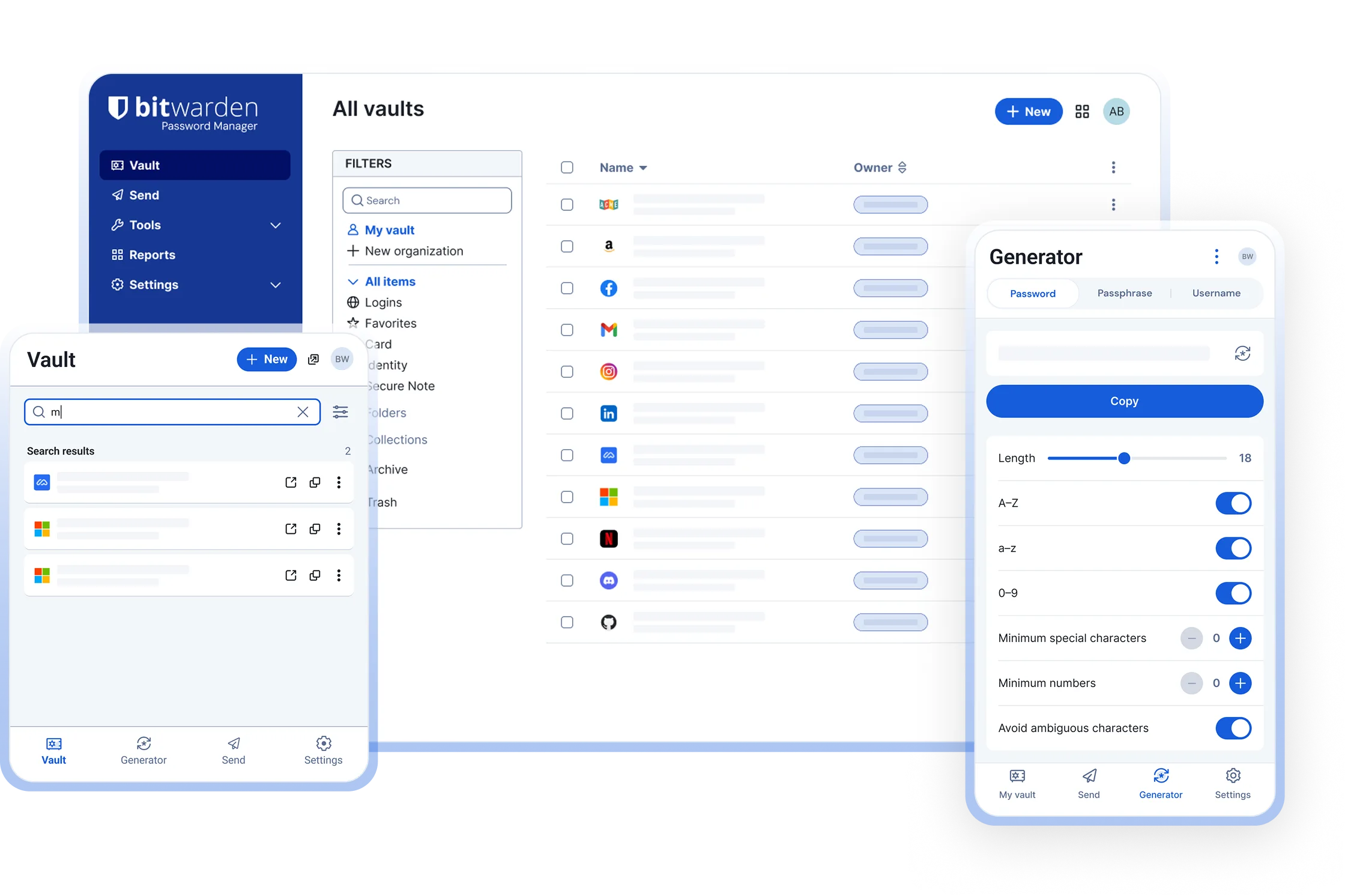
Bitwarden is a free, open-source password manager with apps for Windows, macOS, Linux, iOS and Android, extensions for every major browser including Firefox, a web vault, a CLI, and the option to host the server yourself. It stores passwords, passkeys, secure notes, cards and identities, and Bitwarden Send shares text and files with anyone. Premium is about US$10 per year.
The decision comes down to your devices. All Apple, Safari only: Apple Passwords is enough. Anything else in the mix: Bitwarden.
Comparison table
| Feature | Bitwarden | Apple Passwords |
|---|---|---|
| Price | Free plan with unlimited passwords and devices; Premium about US$10 per year; Families about US$40 per year | Free with Apple devices and an iCloud account |
| Open source | Yes, clients GPL-3.0, server AGPL-3.0 | No |
| Platforms | Windows, macOS, Linux, iOS, Android, web vault, CLI | iPhone, iPad, Mac, Apple Vision Pro; Windows through iCloud for Windows; no Android, no Linux |
| Browsers | Chrome, Firefox, Edge, Safari, Brave, Opera, Vivaldi, DuckDuckGo, Tor Browser | Safari, plus an iCloud Passwords extension for Chrome and Edge on Mac and Windows |
| Encryption model | Zero-knowledge; AES-256-CBC vault; key derived from your master password with PBKDF2-SHA256 or Argon2id | End-to-end encrypted through iCloud Keychain; keys protected by your device passcodes and Apple Account |
| Passkeys | Save and sign in on every platform, synced across all of them | Save and sign in on Apple devices and in supported Windows browsers; synced through iCloud Keychain |
| Verification codes (TOTP) | Built in on Premium; free Bitwarden Authenticator app | Built in, free |
| Item types | Logins, passkeys, secure notes, cards, identities, SSH keys, file attachments (Premium) | Logins, passkeys, verification codes, Wi-Fi passwords, notes attached to logins |
| Sharing | Free two-person organisation; Families for six; Teams and Enterprise; Bitwarden Send for text and files with anyone | Shared groups with other Apple users you trust |
| Self-hosting | Yes, official server or Vaultwarden | No |
| Independent audits | Annual third-party audits published; SOC 2 Type 2, ISO 27001, HIPAA | Covered by Apple’s platform security documentation; no product-specific public audit |
| Export | JSON, CSV or password-encrypted JSON | CSV from the Mac Passwords app; passkeys and Wi-Fi passwords excluded |
When Apple Passwords is enough
- Every device is Apple. iPhone, iPad, Mac, perhaps a Vision Pro, and nothing else. Sync is automatic and encrypted, and you never create an account or choose a master password because your device passcode and Apple Account already do that job.
- You use Safari. Autofill, passkey creation and verification codes are built into the browser and every app on iOS and macOS with no extension to install.
- You want zero maintenance. No subscription, no update cycle to follow, no vendor to evaluate. It is part of the operating system.
- Family sharing among Apple users. Shared groups let a household share the streaming and utility logins, and each member sees changes immediately.
- Wi-Fi passwords. Apple Passwords lists every network your devices have joined and shows a QR code for guests, which no third-party manager can do.
If that is you, make sure two-factor authentication is on for your Apple Account and set a recovery contact or recovery key, because Apple cannot reset an end-to-end encrypted keychain for you.
When Bitwarden is the better choice
- Mixed devices. An Android phone, a Windows laptop with Firefox, a Linux desktop, or a work PC where you cannot install iCloud for Windows. Bitwarden has first-party apps and extensions on all of them; see the Windows, Mac and Ubuntu install guides.
- Firefox. Bitwarden’s Firefox extension works on every operating system. Apple’s browser support outside Safari is limited to its iCloud Passwords extension for Chrome and Edge.
- Sharing outside Apple. A partner with an Android phone or a parent on Windows can join a free two-person organisation or a Families plan, and Bitwarden Send shares a one-off secret with anyone through a link.
- More than logins. Secure notes, cards, identities, SSH keys and encrypted file attachments live in the same vault.
- Open source and audits. The code is on GitHub, the yearly audits are published, and you can read exactly how the vault is encrypted.
- Self-hosting. Run the server yourself with the official images or Vaultwarden. Apple Passwords is tied to iCloud.
- A master password you control. Access to your Bitwarden vault does not depend on your Apple Account, so losing access to Apple, or leaving the ecosystem, does not lock you out of everything.
- Leaving is easy. Bitwarden exports to JSON or CSV at any time and imports from nearly every competitor, so there is no lock-in in either direction.
Can you use both
Yes, and on Apple devices this is a sensible arrangement. Keep Apple Passwords for what it does uniquely well, Wi-Fi passwords and any passkeys already saved there, and make Bitwarden the primary vault for logins.
- Install Bitwarden from the App Store on iPhone and iPad and with
brew install --cask bitwardenor the App Store on the Mac; the Mac guide has the details. - On iOS open Settings, General, AutoFill & Passwords and select Bitwarden. Recent iOS versions allow more than one provider to be active, so you can leave Passwords ticked as well, but choosing only Bitwarden avoids duplicate suggestions.
- On the Mac install the Bitwarden Safari extension (it ships inside the desktop app) or the Chrome, Firefox or Edge extension, then in Safari, Settings, AutoFill untick User names and passwords so Safari stops offering to save.
- Turn on Unlock with Touch ID or Face ID in the Bitwarden apps so unlocking is as quick as the built-in tool.
The browser extension guide covers the desktop side in more depth.
Switching from Apple Passwords to Bitwarden
- On a Mac open the Passwords app, choose File, Export All Passwords, authenticate with Touch ID or your password, and save the CSV somewhere you will remember. There is no export on iPhone or iPad; use a Mac, or on Windows use the iCloud Passwords app if it offers export in your version.
- Open the Bitwarden web vault, choose Tools, Import data, and pick the Apple or iCloud Passwords CSV option from the format list. Select the file and click Import data.
- Check the result. Logins, usernames, passwords, URLs and notes come across. Passkeys, verification codes and Wi-Fi passwords do not: register passkeys again on each site, or keep them in Apple Passwords as described above, and re-add verification codes by scanning the QR code from each service into Bitwarden Premium or the free Bitwarden Authenticator app.
- Delete the CSV and empty the Trash. It is plain text and contains every password.
- Install the Bitwarden extension in your browsers, set Bitwarden as the AutoFill provider on iOS, and turn off Safari’s own saving.
- Once you have used Bitwarden for a couple of weeks, delete the duplicated logins from Apple Passwords so there is one source of truth, or leave them as a read-only fallback.
If you are also weighing Google’s built-in manager or 1Password, the Google Password Manager and 1Password comparisons follow the same structure.
Frequently asked questions
Is Apple Passwords as secure as Bitwarden?
Both are end-to-end encrypted so the vendor cannot read your passwords. Apple Passwords relies on iCloud Keychain and your Apple Account security, including device passcodes and two-factor authentication. Bitwarden uses a master password you choose, publishes its source code and yearly audits, and can be self-hosted. See Is Bitwarden safe.
Does Apple Passwords work on Android or Linux?
No. Apple Passwords runs on iPhone, iPad, Mac, Apple Vision Pro and, through iCloud for Windows, on Windows PCs with a Chrome or Edge extension. There is no Android app and no Linux support. Bitwarden has official apps and extensions on all of those platforms, including Firefox everywhere.
Can I use Bitwarden and Apple Passwords at the same time?
Yes. Set Bitwarden as your AutoFill provider in iOS Settings, General, AutoFill & Passwords, and keep Apple Passwords for Wi-Fi passwords and any passkeys already saved there. Recent iOS versions allow more than one provider at once. Turn off Safari's own saving on the Mac so you get one save prompt.
How do I export Apple Passwords to Bitwarden?
On a Mac open the Passwords app, choose File, Export All Passwords, authenticate and save the CSV. In the Bitwarden web vault choose Tools, Import data, pick the Apple or iCloud Passwords CSV option, select the file and import. Passkeys and Wi-Fi passwords are not exported. Delete the CSV afterwards.
Is Apple Passwords free?
Yes. The Passwords app is included with iOS 18, iPadOS 18, macOS Sequoia and visionOS 2 and later, and syncs through the free tier of iCloud with no storage limit for passwords. Bitwarden's free plan is also free on every platform; Premium adds features for about US$10 per year.