What carries over from LastPass
The LastPass CSV holds most of what you saved, but not everything. Check this table before you start so nothing is lost when the LastPass account is deleted.
| LastPass data | Comes across? | Where it lands in Bitwarden |
|---|---|---|
| Sites (URL, username, password, notes) | Yes | Login items |
| Secure notes | Yes | Secure Note items |
| Folders and nested folders | Yes | Folders (nested written as Parent/Child) |
| Favourites | Yes | Favourites |
| Form fills (addresses, cards) | Partly | Identity and Card items where fields match |
| Custom note templates (Wi-Fi, licence, bank) | As text | Secure Note with fields in the notes body |
| Attachments | No | Download from LastPass and re-attach (Premium, 1 GB) |
| LastPass Authenticator TOTP codes | No | Re-enrol each site |
| Sharing centre shared folders | Only if you own them | Import into an organisation collection |
| Password history, equivalent domains | No | Not exported |
Anything stored in a separate LastPass product (Authenticator, attachments, Families sharing) needs manual work, covered further down.
Step 1: export from LastPass
LastPass has two export paths. Both produce the same file.
From the web vault (recommended). Sign in at lastpass.com, click Advanced Options in the left menu, then Export. LastPass asks for your master password again. What happens next depends on your plan and whether LastPass recognises the device:
- If you have not exported from this browser before, LastPass sends a verification email. Open it, click the link, return to the vault and choose Export again.
- On most accounts the browser downloads
lastpass_export.csv(or a similar name) to the Downloads folder. Move it to the Desktop. - On some plans the vault shows the CSV as plain text inside the browser tab instead of downloading it. Select all (Ctrl+A or Cmd+A), copy, open Notepad or TextEdit, paste, and save the file as
lastpass.csvwith UTF-8 encoding. Make sure the first line is the header, beginning withurl,username,password.
From the browser extension. Click the LastPass icon, open Account Options, then Advanced, then Export, and pick LastPass CSV File. The extension goes through the same master password and email verification, then downloads the file.
The file is unencrypted. Every password is readable by anyone who opens it, so import it immediately and delete it afterwards.
Step 2: import into Bitwarden
- Export the LastPass vault. In the LastPass web vault open Advanced Options, choose Export, confirm the emailed verification link if asked, and save the CSV to the Desktop.
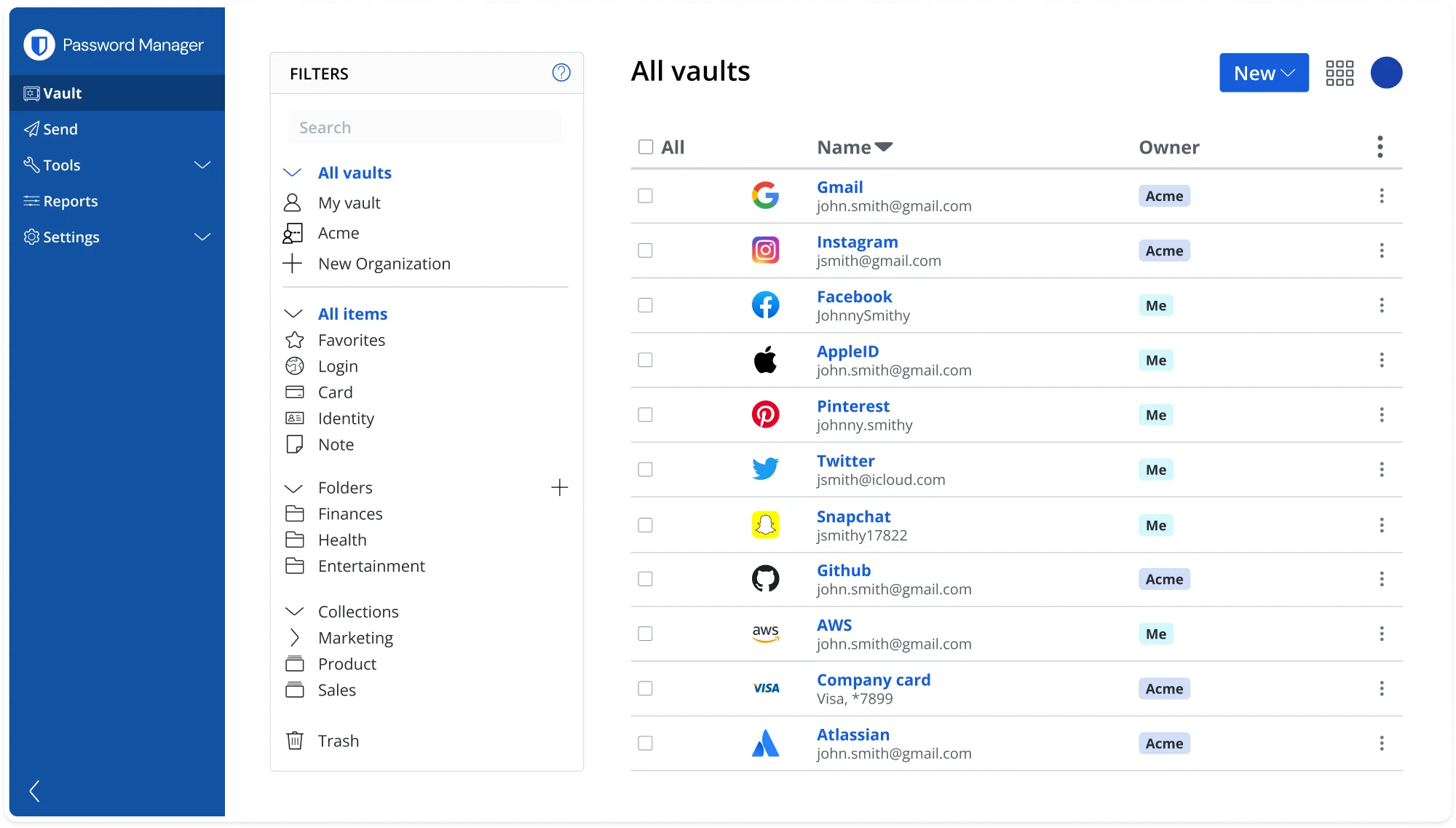
- Open the Bitwarden web vault. Sign in at
vault.bitwarden.com, orvault.bitwarden.eufor EU accounts, and choose Tools, then Import data. If you do not have an account yet, create a free one first; the free plan has no limit on items or devices. - Choose LastPass (csv) and the file. Select LastPass (csv) as the format, pick the exported file and click Import data. Bitwarden reports how many items and folders it created.
- Check the vault and rotate key passwords. Search for a few sites to confirm usernames, passwords and notes look right, then change the passwords for email, banking and any reused login (see the next section).
- Delete the CSV and close LastPass. Delete the export file, empty the Recycle Bin or Trash, then cancel the LastPass subscription and delete the account once you are sure nothing is missing.
For a scripted import use the CLI: bw import lastpasscsv lastpass.csv, described in the CLI guide.
After the import: rotate your passwords
In late 2022 LastPass disclosed that attackers had copied customer vault backups from its cloud storage. The vaults were encrypted, but URLs were stored in plain text, and the encrypted part can be attacked offline indefinitely. Accounts created before 2018 often had a low PBKDF2 iteration count, which makes that attack faster. Researchers and journalists have since linked cryptocurrency thefts to those vaults.
Treat every password that was ever in your LastPass vault as potentially exposed, and change it in this order.
- Your email account, because it resets everything else.
- Banking, brokerage, PayPal and any cryptocurrency exchange or wallet seed stored as a note.
- Shopping sites with saved cards, and anything with your government ID.
- Any password you know you reused. Bitwarden Premium (about US$10 per year) lists these under Reports, Reused passwords; the free plan lets you sort and search by hand.
- Everything else over the following weeks, generating each new password with the Bitwarden generator.
While you are in the Bitwarden web vault, open Settings, Security, Two-step login and turn on an authenticator app or, on Premium, a hardware key. Also check Settings, Security, Keys and choose Argon2id as the KDF, which is stronger against the exact offline attack the LastPass theft enabled. More on why this matters is in is Bitwarden safe.
Attachments and authenticator codes: move by hand
Attachments. LastPass never includes attachments in an export. Open each note or site with a paperclip in LastPass, download the files, then in Bitwarden open the matching item, choose Attachments and upload them. Attachments need Bitwarden Premium (1 GB encrypted storage). Delete the downloaded copies afterwards.
TOTP codes. If you used LastPass Authenticator for two-factor codes, those secrets do not travel; the app has a backup but no export other apps read. For each site, open its two-factor settings, disable the current authenticator, enable it again and scan the new QR code with Bitwarden Premium’s authenticator field or the free Bitwarden Authenticator app. Do this before deleting LastPass so you do not lock yourself out.
Cancel LastPass Premium and delete the account
Only do this after you have confirmed the import and re-enrolled two-factor codes.
- In the LastPass web vault open Account Settings, then the Account Information or Billing section, and cancel the subscription so it does not renew. If you subscribed through the Apple App Store or Google Play, cancel there instead.
- Uninstall the LastPass extension and apps so they stop offering to save passwords, and install the Bitwarden browser extension in their place.
- Go to
https://lastpass.com/delete_account.php, sign in, and confirm. Deletion is immediate and permanent. If you cannot remember the master password, the same page offers a deletion path that emails a confirmation link.
LastPass Families to Bitwarden Families
LastPass Families covers six users with shared folders. Bitwarden Families is the equivalent: six users, unlimited shared collections and Premium features for every member, for about US$40 per year for the whole family. Each member should export their own LastPass vault and import it into their own Bitwarden account, because a LastPass export only contains items the exporting user owns plus shared items they can view. The organisation owner then creates collections (Household, Streaming, Kids) and members move shared items into them. Compare vaults before deleting anything, since shared folders may only appear complete in the owner’s export. The feature comparison is in Bitwarden vs LastPass.
Troubleshooting
- Strange characters in names or notes after import. The CSV was opened and saved by Excel, which rewrites non-ASCII text and sometimes the separators. Re-export from LastPass and import the untouched file. If you had to copy the text from the browser, paste it into Notepad or TextEdit and save as UTF-8, never through Excel.
- “No items were imported” or “0 items”. The header row is missing, usually because the copied text started on the second line. The first line must read
url,username,password,totp,extra,name,grouping,fav(older exports omittotp). Add it and retry. - Import stops with an error on one line. A note contains an unbalanced double quote. Open the file in a text editor, go to that line, and make sure every field with commas or quotes is wrapped in double quotes with inner quotes doubled.
- Secure notes came through as logins. The
urlfield for that note was nothttp://sn. Edit the item in Bitwarden and change its type, or just move the text into a new Secure Note. - Folders look flat. LastPass writes nested folders as
Parent\Child; the importer turns them into a Bitwarden folder namedParent/Child. Rename or re-nest in the web vault as you prefer.
If you also have passwords in a browser, the Chrome and Edge guide shows the same import for that source.
Frequently asked questions
Does the LastPass export include secure notes and folders?
Yes. Secure notes become Secure Note items in Bitwarden and LastPass folders (including nested ones written as Parent\Child) become Bitwarden folders. Form fills are imported as Identity or Card items where the fields line up. Attachments are never exported.
Why does LastPass email me instead of downloading the CSV?
LastPass sends a verification link the first time you export from a new location. Click the link in the email, then repeat the export. On some plans the CSV then opens as text in the browser tab rather than as a download; copy all of it into a new file saved as lastpass.csv.
Should I change my passwords after leaving LastPass?
Yes. Encrypted LastPass vaults were stolen in 2022 and can be brute-forced offline, especially for accounts that had a short master password or a low iteration count. Rotate email, banking, shopping and any password reused across sites first, then work through the rest over a few weeks.
Can Bitwarden import my LastPass Authenticator codes?
No. LastPass Authenticator stores its TOTP secrets separately and they are not in the CSV. Open each site's two-factor settings, remove the old authenticator and scan the new QR code with Bitwarden Premium's built-in authenticator or the free Bitwarden Authenticator app.
How do I delete my LastPass account after importing?
Confirm a handful of logins work from Bitwarden, cancel any Premium or Families renewal in Account Settings, then go to lastpass.com/delete_account.php, sign in and confirm. Deletion is permanent and removes every vault item, so keep the Bitwarden vault open while you do it.